v0.9.0SCREENSHOT SHELF FOR GNOME

Screenshots for terminal agents, one paste away.

Raff catches every GNOME screenshot, groups them into batches, and puts their file paths on the clipboard so a terminal AI agent can read them.

Rust · GTK4 · libadwaita · Wayland · rusqlite · D-Bus
Raff icon
رَفّ
shelf
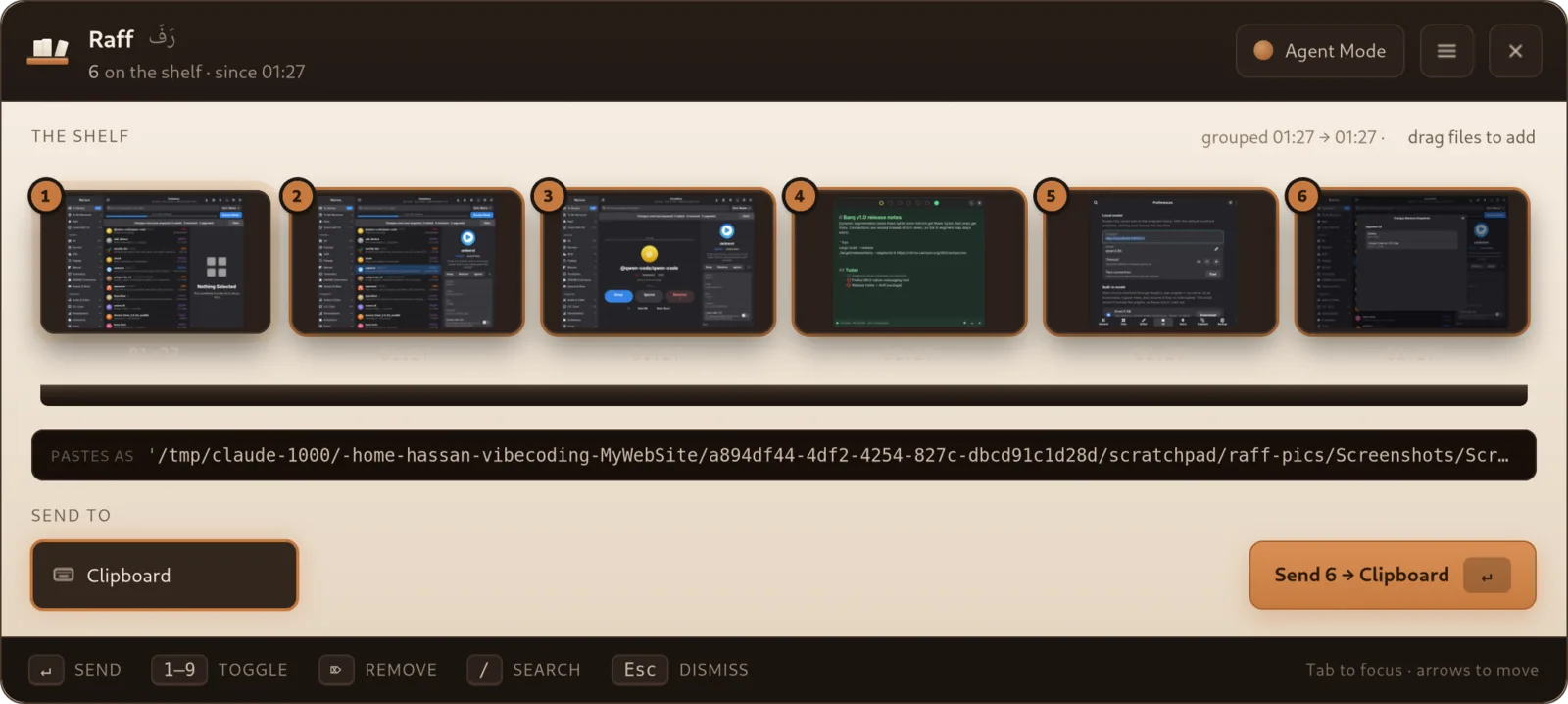
Raff main window
Agent Mode

One copy that pastes two ways.

After each capture the clipboard holds both the image and the batch's quoted file paths. A terminal pastes the paths, an image editor still gets the picture.

Features

What Raff does

📥

Catches every screenshot

Watches the folder GNOME saves to and shelves each capture the moment it lands.

🗂

Batches by time

Captures close together form one batch, with a 15-minute gap starting a new one.

🤖

Herdr integration

Send a batch straight to a running terminal agent without leaving the keyboard.

⌨

Summon anywhere

A hotkey opens a command-palette panel, and a pinboard strip keeps the shelf in view.

🫳

Drag, open, reveal

Drag captures out, open them, or reveal them in Files.

🔏

Read-only custody

Raff never moves or deletes files. Removing a capture sends it to the trash.
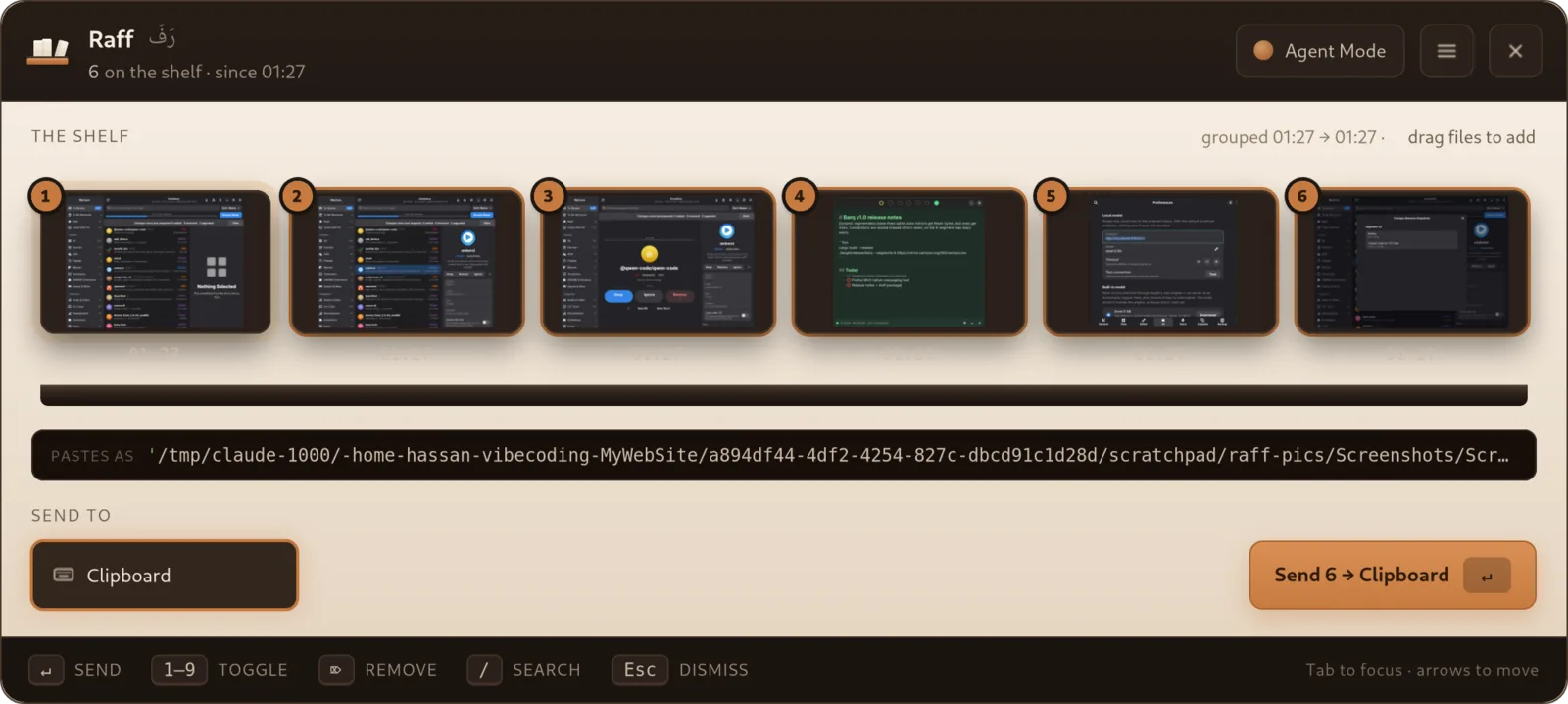
The Shelf

Your recent captures, grouped and ready

  • Each batch shown as a row on a wooden shelf
  • Copy a batch's quoted paths in one action
  • Never watches the clipboard and never submits a prompt for you
Your recent captures, grouped and ready
Getting Started

Set up in three short steps

  • Pick a summon hotkey
  • Turn on Agent Mode, on by default
  • Take a screenshot and it appears on the shelf
Set up in three short steps
By the numbers
~8,800lines of Rust
21tests
15 mindefault batch gap